
Foundation
- Cement
- Gravel and sand
- Steel bars
- Wire mesh
- Masonry stone
- Formwork
Pilot · quoting nowRequest a quote
 Addis Ababa at dusk · photo credits in the footer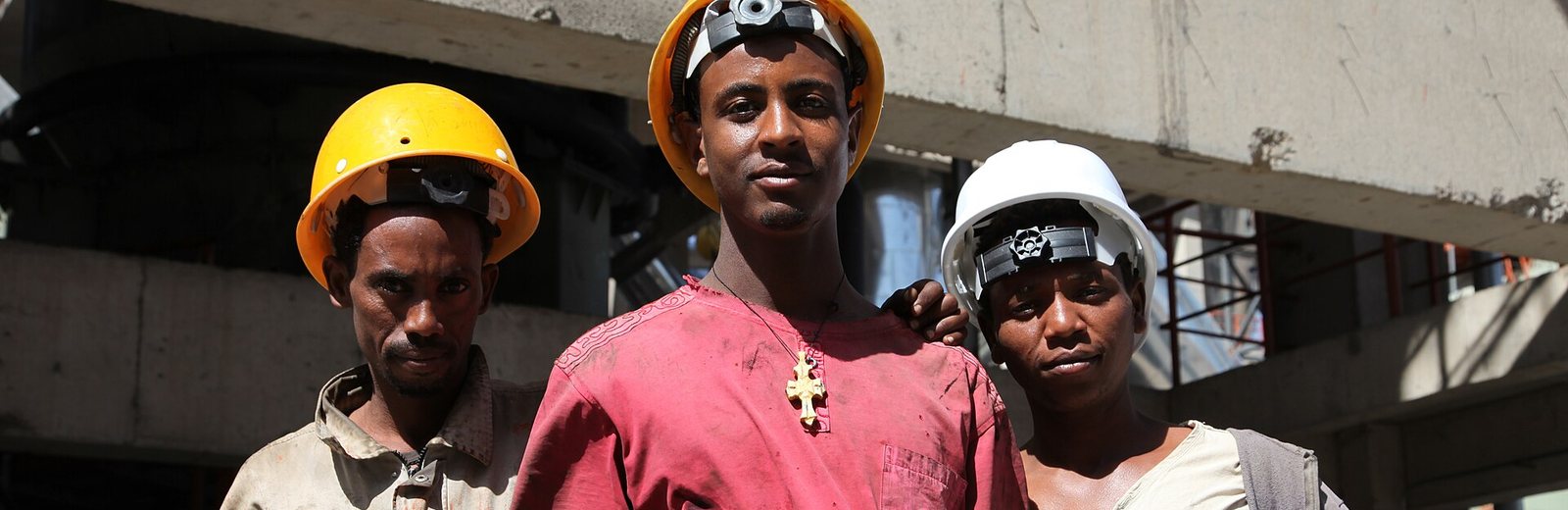
Cement, steel, blocks, aggregates, finishing and equipment. Compare Offer A, B and C by brand and delivered price, then accept line by line.

Keep your price list current from your phone. Quotes are pre-filled, so replying takes seconds.
Send your list once. Verified suppliers send written quotes. You compare them side by side and choose per item. We issue the PO.
Current supplier quotes with price, delivery cost and validity. Not live market prices.
No account needed to build your list. You enter your mobile number when you send it. Fees apply only on a completed deal, as a small percentage of the order. Rate to be announced.
Prefer Telegram?Send your BOQ as a message or photo to the Build Smartly bot. Coming with the launch. →From the ground to the keys. Tap a circle to request a quote.
Each request is split by material and sent only to verified suppliers of that material.
Type the items or upload your BOQ. Set a deadline.
Only suppliers of that material see your lines. Your name stays hidden.
Offers A, B, C with delivered price. Accept per item.
Supplier confirms. PO issued. Pay on the agreed terms.
Update prices from your phone, confirm unchanged prices in one action, or upload your whole list from Excel. You only receive requests for materials you sell, and you pay nothing until a deal completes.
Example screen. Figures are placeholders for the mockup.
Licence and TIN checked before a supplier can quote. Clear status on every account.
Suppliers see a district, not your address. You see offers, not names. Identities appear only in the contract.
Every price carries a confirmation time and expiry. Stale prices are never shown as current.
Hosted in Ethiopia under the Personal Data Protection Proclamation. Amharic, Afaan Oromoo and English.
Build Smartly S.C. is an Ethiopian share company. Its shareholders are contractors, engineers, suppliers and investors who have all bought materials the hard way: many phone calls, prices that change by the day, and no record of what was agreed.
We are building one place where a contractor sends a list once, verified suppliers quote in writing, and the purchase order and contract are issued with a full record. Addis Ababa first, then the regional cities.
Build your list, enter your mobile number, done. Company details and TIN are asked for only when you accept an offer.
Test-site shortcut: tap one to switch without a code. On the real site each number signs in with its own SMS code.
Your mobile number and an SMS code. New number? The account is created for you.
Buyers need only a name and a mobile number. Company details and TIN come later, before your first purchase order. Suppliers register their company, TIN and a password.
Buyer: 0911 000 201 (code 123456). Suppliers: 0911 000 301 and 0911 000 302, password smartly, through Supplier sign-in. Any other Ethiopian number also works as a new buyer. Full list on Start here.
Step 1 of 4. We send a 6-digit code by SMS. Ethio Telecom or Safaricom.
Step 2 of 4. Company, TIN, what you supply and a password. Documents come in the next step. The same account can also send requests to buy.
Step 3 of 4. Business licence and TIN certificate as PDF or photo. Staff check them before your first quote. You can also do this later in the portal.
Step 4 of 4. Your account is open. Here is what we recorded and what happens next.
Tick the items you need. Each one goes only to verified suppliers of that material.
Type the quantity for each item and when you need it. Earliest date: (example rule, the owner sets the real minimum).
Suppliers see only the sub-city. Your exact address is shared with the chosen supplier in the purchase order.
We send a 6-digit code by SMS, and we text you when offers are ready. That is your whole account. Suppliers never see your name, only a customer number.
Tap the map where the goods should go. Suppliers see only the sub-city; the exact pin goes to the chosen supplier with the purchase order.
Telebirr, CBE Birr, bank card or bank transfer. The supplier is paid when the gateway confirms. On the test site no money moves.
The mobile number and password you registered with. Test logins are listed on the Start here page.
Adding your dispatch points helps you receive requests near you, lets you offer free or lower delivery, and helps you win orders. This information is never shown to buyers or the public. Our team will call you within 7 days to help.
Every purchase order, contract and receipt, by year. View, print or save as PDF.
Write to Build Smartly support about a request, an order or your documents. Staff answer here and by SMS.
From the shared catalogue, in your categories. Each ticked item gets a row below where you type the price.
Download the Excel template, fill in your prices, and upload it. Or paste the cells from your own sheet below: item name, unit price, and optionally validity in days. Names that match the catalogue are updated; others are listed for staff to map.
Private. Seen only by verification staff. Required before your first quote.
Choose a main category (first tap) and up to five more. Requests are sent to you only for these.
Optional, but suppliers with dispatch points receive more requests. Never shown to anyone. Reconfirmed every 3 months.
Required before you receive requests.
Published in the Members directory after a staff check. No addresses, phone numbers or prices in the text.
No phone numbers, addresses, price tags or QR codes in pictures. A moderator checks before publishing.
A monthly newsletter goes to every registered buyer. Announce a new brand, a new supply or an offer; or sponsor a tile on the home page. Always marked, never changes the order of offers.
Your own figures only, from the same records the platform uses.
Who is buying, legal name and TIN. Needed once, before your first purchase order. You can also do it later, at your first Accept.
Where each request or order stands. Restricted between you and the platform.
Every purchase order, contract and receipt, by year. View, print or save as PDF for your records.
Write to Build Smartly support about a request, an offer or a delivery. Amharic, Afaan Oromoo or English. Staff answer here and by SMS; the thread is kept with your account.
The latest Build Smartly newsletter: new brands, new supplies and offers from verified suppliers. Sponsored items are marked.
Optional. Head office, stores or usual sites, so staff can suggest the delivery site next time. Private, never shown to anyone.
Company history, brands you work with or projects completed. Published in the Members directory after a staff check. No addresses, phone numbers or prices.
Language is switched from the top of the page. Company users, approval limits and bank details are added here in the real app, each with its own approval step.
Partners and promotions for platform members
Everything here was drawn for the prototype and can be changed. Tap any picture to open it full size.

Mark: three stepped blocks rising, the top one in ochre with an upward arrow. Wordmark in Sora.
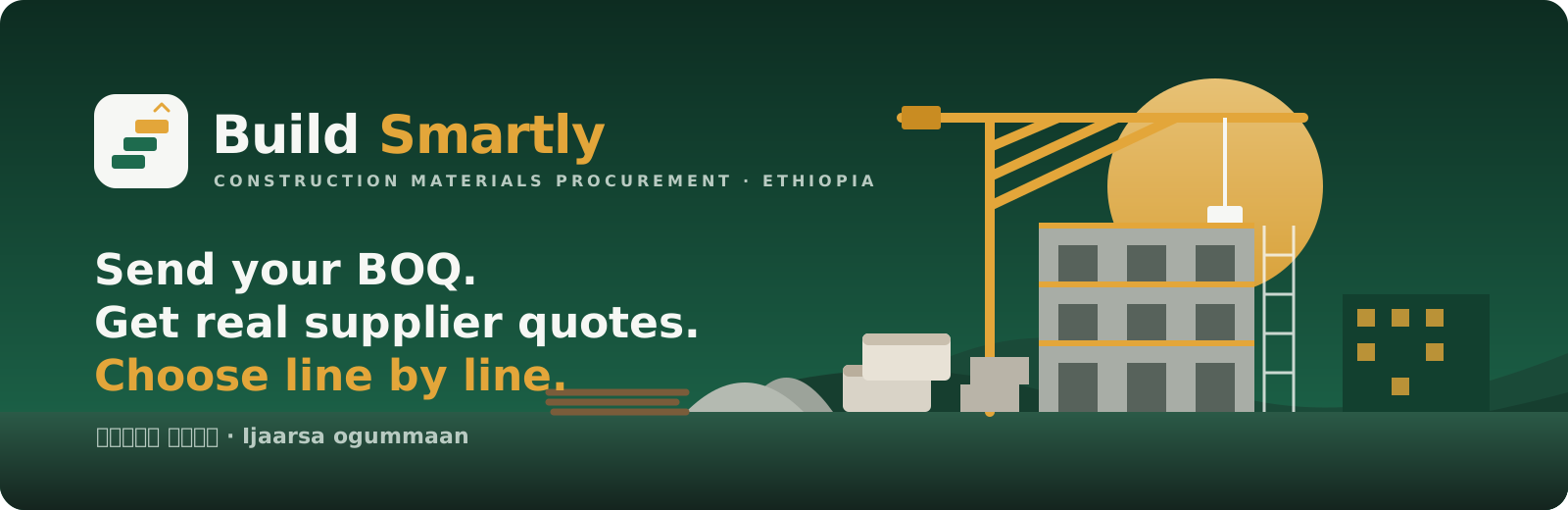
Sunrise over a site in Addis Ababa: tower crane, building under construction, materials in the foreground. Amharic and Oromo taglines are drafts.

Headings: Sora. Text: Manrope. Ethiopic script: Noto Sans Ethiopic.
Amharic, Afaan Oromoo or English. Monday to Saturday, 8:00 to 18:00.
Thank you. We reply within one working day.
Addis Ababa, Ethiopia (office address to be announced)
Phone: +251 11 000 0000 (placeholder)
Email: hello@buildsmartly.et (placeholder)
Telegram: @BuildSmartly (to be registered)
For verification questions, write "Documents" in the subject. For an offer or order, give the request number.
No. Registration is free for customers and suppliers. A fee applies only when a deal is completed, as a small percentage of the order. The rate will be published before launch.
Only verified suppliers of the materials on your list. They see a customer number and the sub-city of delivery, never your name or exact address. Your identity appears only in the purchase order.
No. They are indicative prices confirmed by suppliers that morning. A binding price comes only as a written offer on your request, with a validity date.
Yes. You accept, reject or renegotiate each line separately, and you can split a line between two suppliers if both allow partial supply.
The payment term is agreed per order: advance, on shipping, on delivery, or credit with a date. Payment goes through the platform's payment provider so that both sides have proof.
Only your mobile number. Build your list, press Send, type the SMS code. That is the account. Your list is saved on your phone while you do it, so you can leave and come back.
Buyers: your name or company name and TIN, asked once when you accept your first offer, so the purchase order can be issued. A person without a TIN shows a Fayda ID to staff instead. A government office gives an official authorisation letter. Suppliers: business licence and TIN certificate before the first quote. Nothing is needed to open the account or to send a request.
Yes, this is planned for launch. The Build Smartly bot will let you send your list as a message, a photo or an Excel file, and will send you notifications when offers arrive. The website and the bot share the same account and the same records.
On servers in Ethiopia, as required by the Personal Data Protection Proclamation. Your location and documents are private and are never shown on a public profile.
Plain-language summary of what the final terms will cover. Ethiopian counsel writes the binding text.
Build Smartly is a platform that connects verified buyers and suppliers of construction materials and equipment. The sale contract is between the buyer and the supplier. Build Smartly issues the purchase order and contract documents and records the deal.
One account per person or organisation. Suppliers must hold a valid business licence. Documents are checked by staff before trading. Accounts with expired documents are restricted.
An offer is binding for its validity period. A buyer who accepts an offer and a supplier who reconfirms it are bound by the purchase order and contract.
A percentage of each completed sale, published on the website. No fee for registration or for sending requests.
Locations, contact details and identities are hidden until the purchase order. Members may not use information from the platform to deal outside it during the protection period.
Delivery shortages, damage and payment issues are reported in the app and handled by Build Smartly support before any other step.
Written under the Personal Data Protection Proclamation No. 1321/2024.
Name, mobile number, email, company details, licence and tax documents, locations you add, and the records of your requests, offers and orders.
To verify members, match requests with suppliers, issue documents, deliver goods and keep the legal records of each deal.
Only the staff whose job needs it, and only with a log entry. Other members see your identity only in a purchase order. Nothing is sold or shared with advertisers.
On servers in Ethiopia. Cross-border transfers only as the law allows.
You can see, correct and ask for deletion of your data, subject to legal record-keeping. Write to the contact on the Contact page.
Companies that chose to publish a profile. Contact happens only through Build Smartly: send a request and the right suppliers quote. No addresses, phone numbers or prices are shown here.
A profile is published only after Build Smartly staff have reviewed it. Sponsored cards are marked. Newsletter and promotions.
Build Smartly sends a newsletter to all registered members: a link by SMS, Telegram and e-mail. Brands, suppliers and contractors can all advertise: a banner with your picture in the slideshow on the home page and in every member's workspace, and an item in the newsletter. A verified profile in the Members directory is free. Sponsored places are always marked and never change the order of offers a buyer sees. Prices are examples; the owner sets the final rates.
What buyers received this month. Also in every member's Mailbox under Newsletter.
A newsletter item, a banner in the slideshow, a featured-supplier card or a price-pulse tile. Press the button to see the placements, the example prices and the form.
Your headline, text and picture in the monthly issue, and your banner in the slideshow on the home page and in every member's workspace.
Example: ETB 5,000 per issue
Top of the newsletter, top of the members directory and a card on the home page for a month.
Example: ETB 15,000 per month
A tile in the moving price strip on the home page, or a slide in the banner inside every member's workspace.
Example: ETB 4,000 to 5,000 per month
Every verified company can publish a profile in the Members directory at no cost, after review.
ETB 0
Categorisation, supplier verification, support, newsletter, finance, tariffs and brands. Staff only.
This is done once. The owner can then add a login for each staff member and choose who sees finance.
Build Smartly is the working name. Everything works, but no SMS is sent and no money moves. One buyer, two suppliers and two staff logins.
A 4-minute walkthrough: a buyer sends a request, offers arrive, the order goes through contract, delivery and payment, then the supplier portal and the staff page.
SMS code for every number: 123456. Supplier portal password: smartly.
Tip: use two browser windows, one as the buyer and one as a supplier.
Tap your name at the top right, then Switch account. Any other Ethiopian number also works as a new buyer.
Go through each part of the prototype, mark it Approve or Change, and write what you want adjusted. Save at the end. The same checklist is also available as a Word document if you prefer to write your comments there.
Everything saved on this link, newest first.
The PO and contract name the buyer and the supplier. Staff check the TIN against the registry before the PO is confirmed. Asked once.